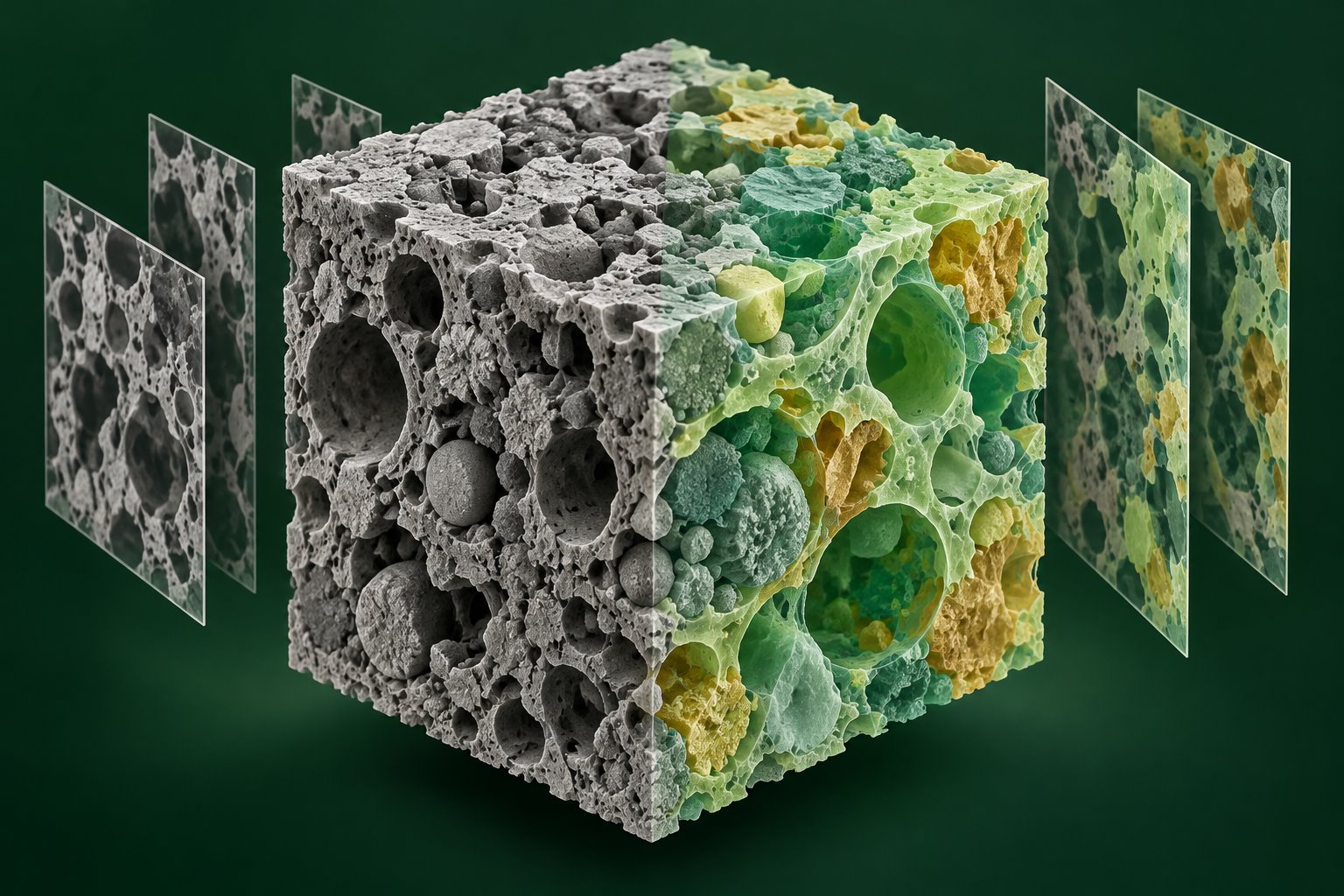
Segment, enhance and identify objects in scientific CT images (including micro-CT and XRM) and SEM images (including FIB-SEM serial sections). Use open-source models without training, or fine-tune and retrain supported models on your own data.
Scientific imaging2D images & 3D stacksWindows desktop
From grayscale structure to distinct regionsAI-generated illustration · Not acquired data
CTmicro-CT · XRM
SEMFIB-SEM · Serial sections
OPEN MODELSNo training · Fine-tune · Retrain
01 / APPLICATIONS
From CT volumes to SEM microstructures.
Bring segmentation, enhancement and object recognition into one workflow for structures and objects in scientific images.
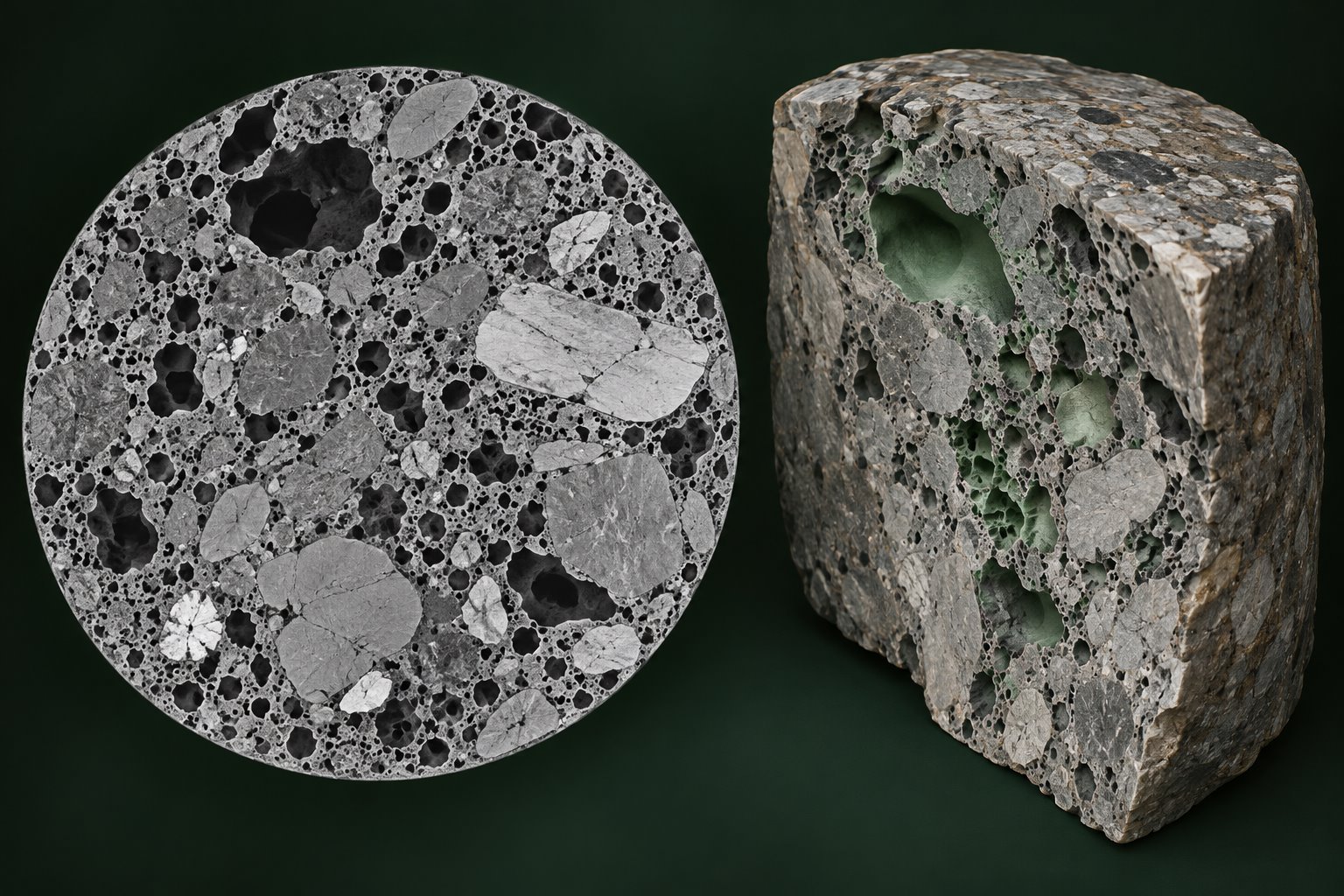
AI-generated illustration · Not acquired data
CT / micro-CT / XRM
Explore internal structures
Work with CT, micro-CT and XRM images and slice stacks to segment and identify structures such as pores, particles and material phases. Combine image enhancement with 3D viewing to inspect the results.
IMAGE SLICES · VOLUMES · INTERNAL STRUCTURES
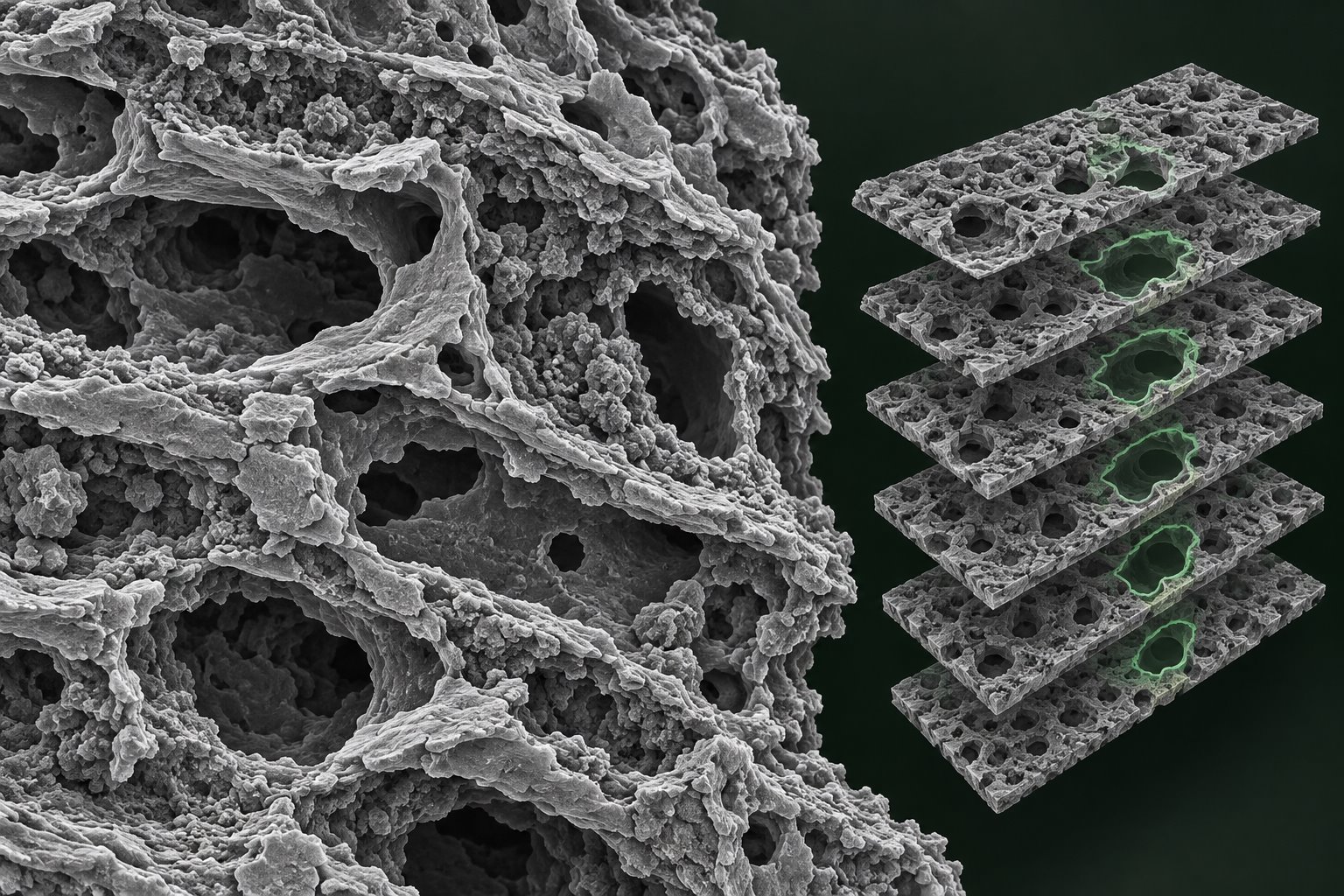
AI-generated illustration · Not acquired data
SEM / FIB-SEM
Study microstructures and serial sections
Work with SEM surface and cross-sectional images, plus serial-section data such as FIB-SEM, for microstructure segmentation, image enhancement and object recognition. Inspect results in 2D images and image stacks.
SURFACES & CROSS SECTIONS · SERIAL SECTIONS
02 / CAPABILITIES
Put AI to work on research images.
Choose methods for segmentation, enhancement and object recognition, then take the results into measurement and structural analysis.
↗
01
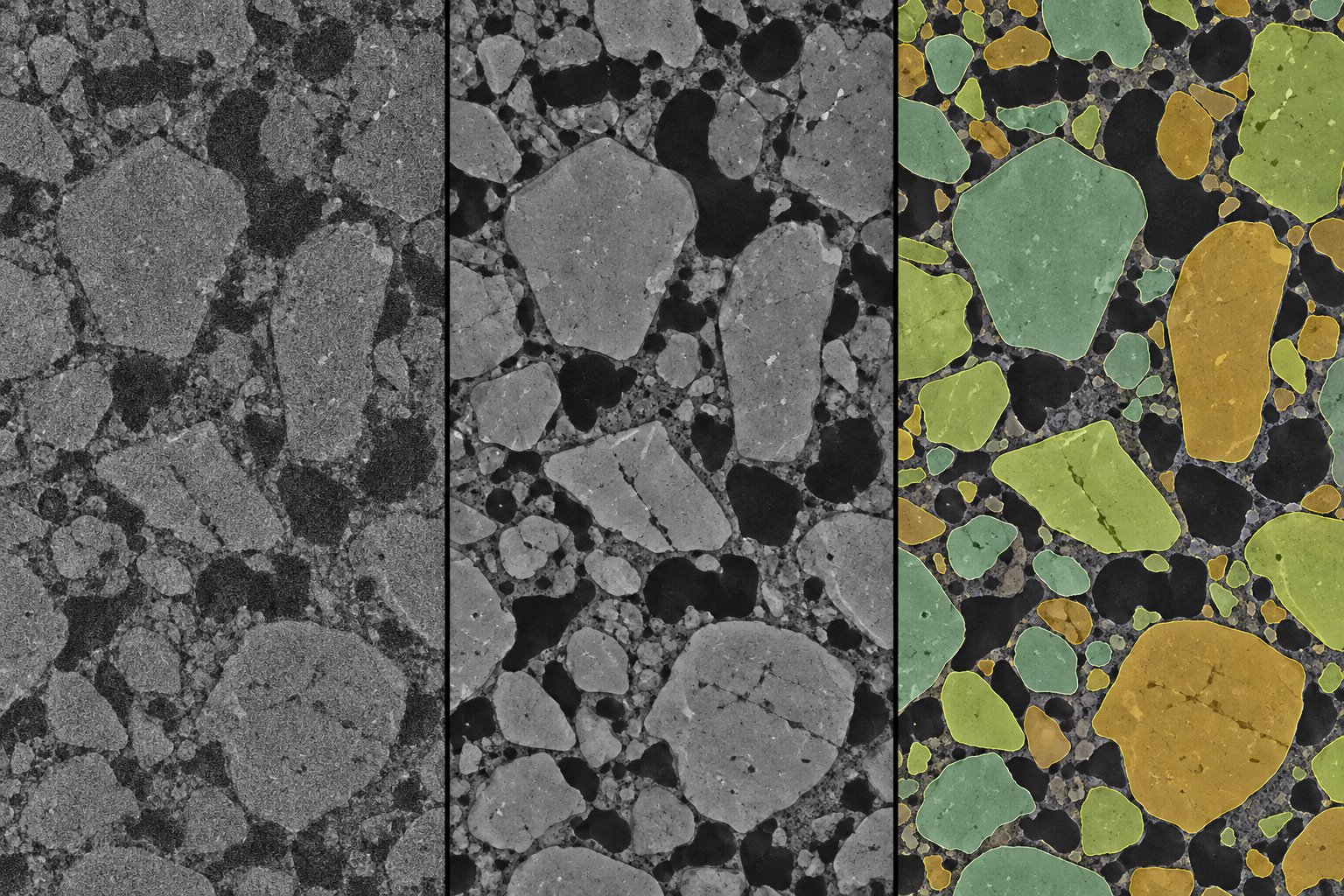
AI image segmentation
Separate objects from background and extract regions or individual instances. Combine automatic and interactive segmentation to inspect structural boundaries in scientific images.
SEMANTIC · INSTANCE · INTERACTIVE SEGMENTATION
↗02
AI image enhancement
Use denoising and super-resolution tools to improve image appearance. Compare input and output in the preview to support further observation and analysis.
DENOISING · SUPER-RESOLUTION
↗03
Object recognition & classification
Locate objects with detection models or distinguish image categories with classification models. Apply trained models to new images in batches.
Load images, serial sections and volumes. Inspect structures in the integrated 3D viewer, with inputs including TIFF, HDF5 and VGL, or connect to Dragonfly for further analysis.
AI-generated conceptual panels, not measured before-and-after results on the same data or a software performance claim.Open the interactive segmentation illustration+
⌘AI SEGMENTATION EXPLORER
STRUCTURE FIELD 01 / 32
Interactive illustration · Synthetic shapes, not real CT / SEM results
03 / OPEN-SOURCE MODELS
Start with a model. Make it fit your data.
Use open-source models and choose an approach based on your images, annotations and research task.
01 / NO TRAINING REQUIRED
Start with existing models
Choose a pretrained model that supports use without training. Run inference directly or guide interactive segmentation with points and boxes. Check results on your own CT / SEM images before deciding whether training is needed.
Select a suitable pretrained model
Run inference or provide prompts
Inspect segmentation and recognition results
02 / FINE-TUNE & RETRAIN
Adapt to your research task
Prepare images and annotations to fine-tune or retrain supported models for your specimens, imaging conditions and target classes. Validate on separate data before applying the model to batch analysis.
Prepare research images and annotations
Configure, fine-tune or retrain a model
Validate, then apply to new images
The model library includes open-source models such as SAM, Cellpose and StarDist. Image suitability, training-free use, fine-tuning support and license terms vary by model.
04 / WORKFLOW
From research images to results you can inspect.
01→
Prepare images
Load CT / SEM images or serial sections. Add annotations when training is needed.
02→
Choose a model
Use a model without training, or fine-tune and retrain on your own data.
03→
Run & inspect
Run segmentation, enhancement or object recognition. Inspect image previews and 3D views.
04◎
Go further
Save outputs, run automated analysis or connect to Dragonfly for further exploration.
05 / ANALYZE & CONNECT
Give your results a next step.
▦
Automated particle analysis
An integrated particle workflow brings segmentation, measurements and reporting into repeatable steps, with statistical tables and Word reports.
✓Input image
✓Segment particles
✓Measure
✓Report
↗·········◇
Work with Dragonfly
Connect to Dragonfly 3D World to transfer images and annotations, and run reusable analysis recipes in your connected session.
IMAGE↔ROI / MultiROI
Dragonfly integration requires a separate installation, valid license and connection. Model capabilities depend on the selected model, dependencies and hardware.
06 / GOOD TO KNOW
A few things before you begin.
Which images is it designed for?+
Scientific images, with a focus on CT (including micro-CT and XRM) and SEM (including FIB-SEM and other serial sections). Choose segmentation, enhancement, detection and classification methods to suit your data.
Do I always need to train a model first?+
No. Models that support training-free use can run directly or with interactive prompts. If an existing model does not suit your images, prepare annotations to fine-tune or retrain a model that supports training.
Does this website analyze my images?+
This is an introduction to the desktop application. Analysis happens in the desktop software. This website does not upload or process your research images.
What hardware do I need?+
Designed for 64-bit Windows 10 / 11. A CUDA-capable NVIDIA GPU is recommended; some features can use the CPU. Requirements vary by model and dataset size.
Can I download the software here?+
This first version introduces the product. Public downloads and online purchases are not available here yet. Distribution and licensing information will be added later.
Is Dragonfly required?+
Model training, inference and local particle analysis are available in the desktop workspace. Dragonfly integration is an additional workflow requiring its own installation and license.
United Vision / VyZ.World
From microstructures to clearer understanding.
Connect open-source AI models with real analysis tasks in CT and SEM research imaging.